Digital Learning Support
Here you will find a one-stop-shop for resources to support our digital skills, learning and work using our Connected Falkirk iPads.

Getting the most from your iPad
Family Learning - iPad session by Miss Mutter
Using AI to Support your Childs Learning
Using AI to Support Learning by Miss Mutter
Presentation & Video Links
Please use the links below to view the presentations and support videos.
 |
Learner Conversations |
| Using Teams & OneNote for learner conversations | |
|
Using Gestures on our iPads |
| Using the most common gestures to work smarter on our iPads | |
|
OneNote as a Revision Tool |
| Using the features in OneNote to support revision | |
|
Glow Email using Outlook |
| Setting up your Glow email on your iPad | |
|
iPad for Revision |
| Using your iPad as a revision tool | |
|
Accessibility Features on our iPads |
| An overview of some of the accessibility options on our iPads to support learning. |
Support Booklets
Please use the document library below to view and download the support booklets.

|
Accessibility on iPad - Pupils Version | [pdf 2MB] |

|
|
|
Learner Conversations on iPads | [pdf 1MB] |
|
|
|
Glow Email on your ipad - pupil | [pdf 822KB] |
|
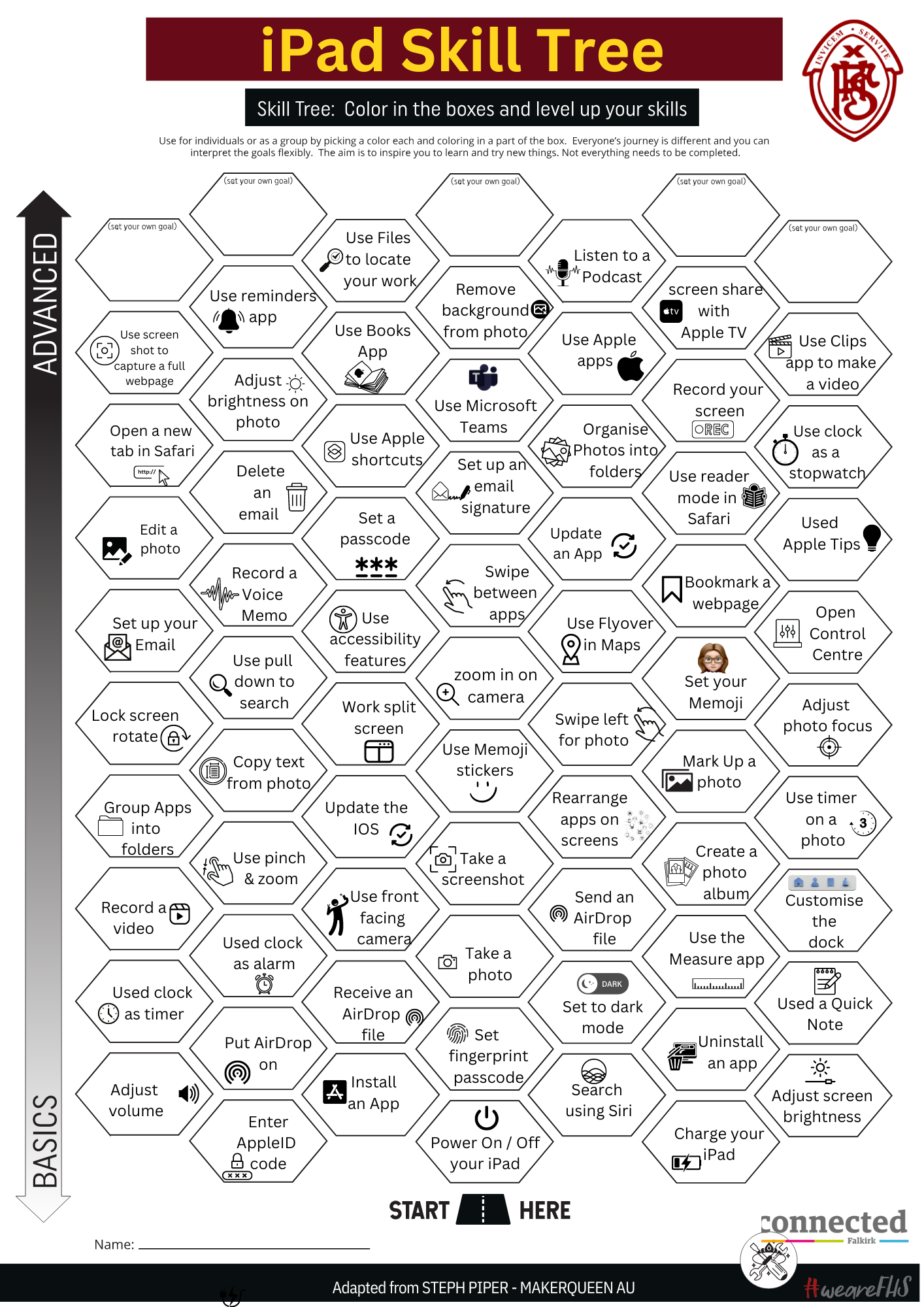
iPad Skill Tree
Our pupil Digital Leaders created a skill tree of things we should be able to do on our iPads.
How many can you do?