Supporting Digital and Online Learning
We use Glow and Show My Homework as our main platforms to support digital and online learning.
Please find information below for these online platforms.
Support to log into Glow - Glow Login Help
General Support with Glow - Glow General Help
Pupils should access their SMH account through ‘Glow’ similar to accessing their Teams pages.
Any parent or pupil having difficulty accessing Show My Homework , please refer to the 2 FAQ’s documents attached to see if this may help. If this does not help, then please email the school on: falkirkhighschool@falkirk.gov.uk
Thank you to our Parent Council for helping to fund this programme to support our young people with their learning at home.

|
Pupil Support with SMH | [pdf 109KB] |

|
|
|
Supporting Parents with SMH | [pdf 96KB] |
|
Digital Learning Guide
Supporting Online Learning
Please see information below with respect to accessing online resources during any period of Blended Learning. Whilst staff will continue to strive to provide quality online provision for pupils who are learning from home, there will be occasions when staff are delivering to classes in school and cannot be online. During these periods, pupils should access learning from the National E-Learning offering. Please click here to access the E-Sgoil Live provision.
|
|
Digital and Online on iPad | [pdf 1MB] |
|
|
|
Supporting Online Learning - Digital Learning | [pdf 662KB] |
|
|
|
Useful Resources | [pdf 409KB] |
|
Glow Teams Support
Microsoft TEAMS: Accessed through GLOW
https://sts.platform.rmunify.com/Account/SignIn/glow
Downloading and using TEAMS
All pupils have a GLOW username and password.
Pupils can access TEAMS by:
- Installing the Microsoft TEAMS app on any mobile or tablet device. Search for “Microsoft TEAMS” in the iTunes App Store, Google Play or Windows store. Login with GLOW user details.
- Log in to GLOW, search for “Microsoft TEAMS” in the top right search bar, click on the “I” on the top left of the TEAMS icon, click on “Add to my launchpad”, then click “Launch”. The TEAMS icon will now be in the home launchpad of GLOW.
- Accessing the TEAMS website on a laptop or PC. Search for “Microsoft TEAMS” and click on “Get Started with Microsoft TEAMS”. Login with GLOW user details.
Microsoft TEAMS is a resource that will be used by many staff to provide and submit work and offer a way for pupils to communicate with staff. Pupils can access this through their GLOW launch pad. If pupils have forgotten their GLOW username or password then they should contact thier Head of House
Glow Overview for Parents
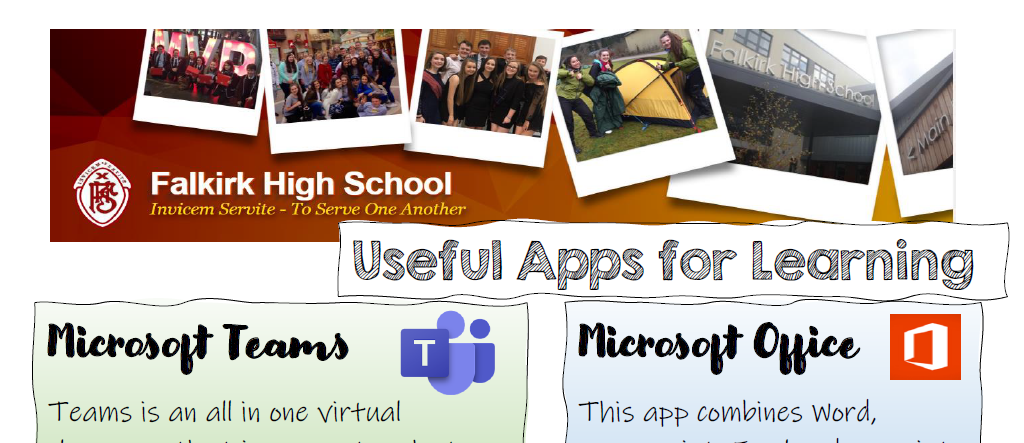
Useful Apps to Support Learning
There are a number of apps that we use to support learning. You can dowload our handy guide using the link below.
Digital and Online Learning Guide
Use the link below to download a copy of our Digital and Online Learning Guide
|
|
Digital and Online Learning - FHS | [pdf 1MB] |
|
Microsoft Office
Falkirk High pupils, via their Glow account, have access to Office 365 to download and install on 5 computers at home. They can also activate the Microsoft Office apps on their iPad/android tablet.
Pupils can install Office on personally owned devices. This will make it easy for every pupil to access the latest version of Office on up to five devices providing both a consistency when learning at home and reinforcing 21st century skills through the use of ICT.
Office 365 can only be downloaded from the school launchpad in Glow and therefore pupils will need to know their Glow account details (username and password) in order to access it.
The license to use this service will be rescinded when they leave school and their Glow account is disabled or deleted.
Technical support for this service on personal devices is available online from http://office.microsoft.com/en-gb/support/

Pupils Guide to Teams
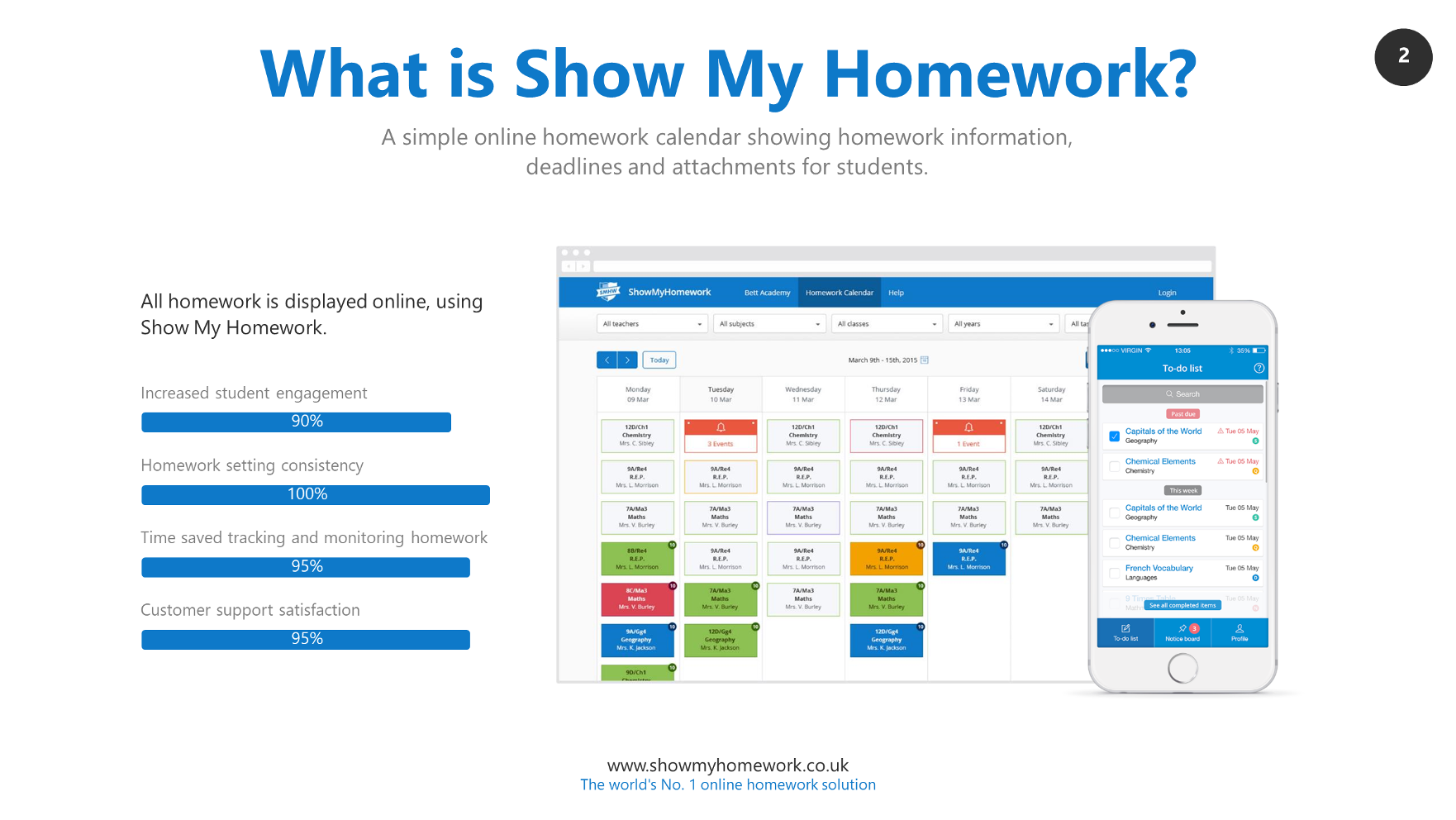
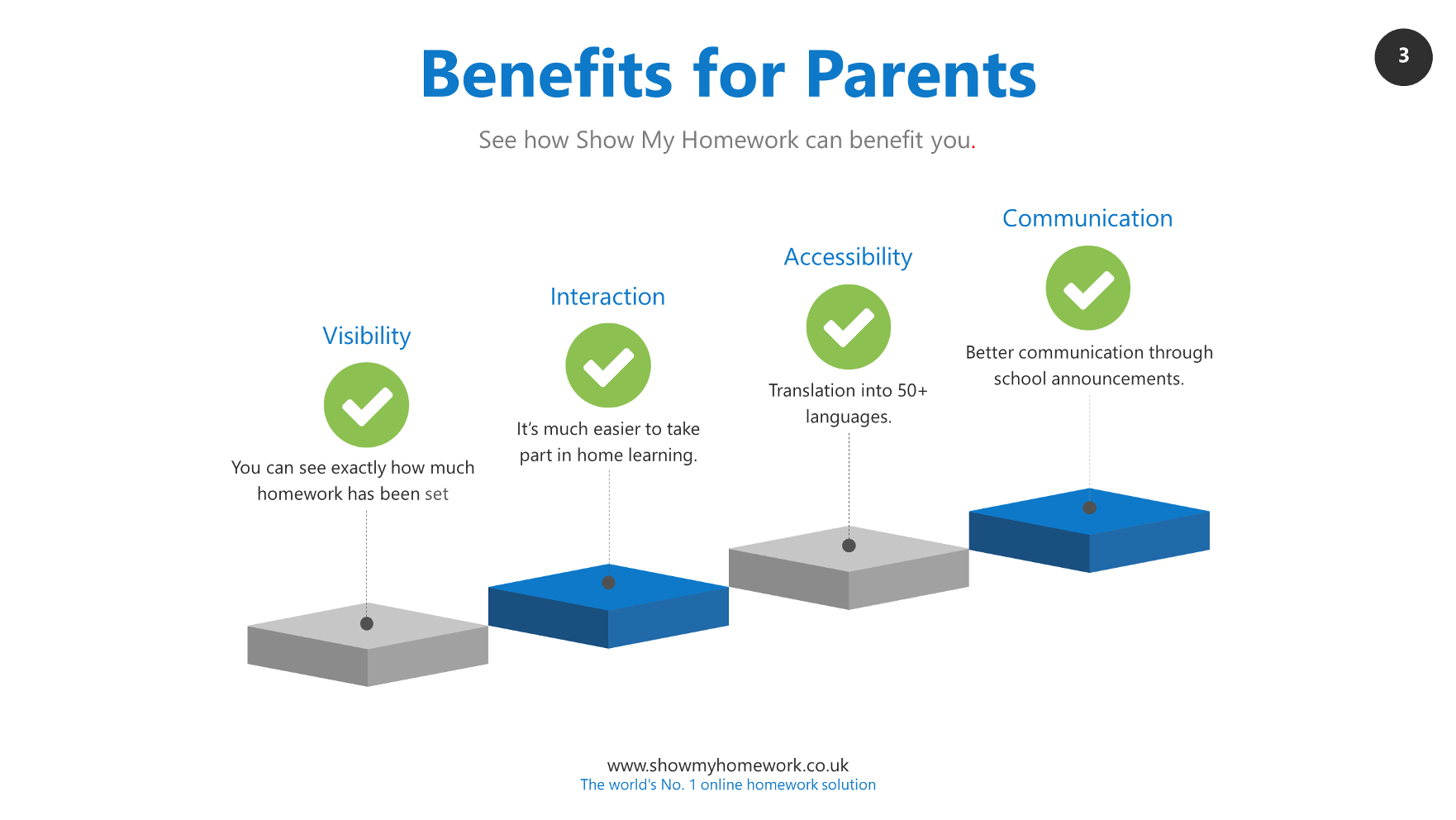
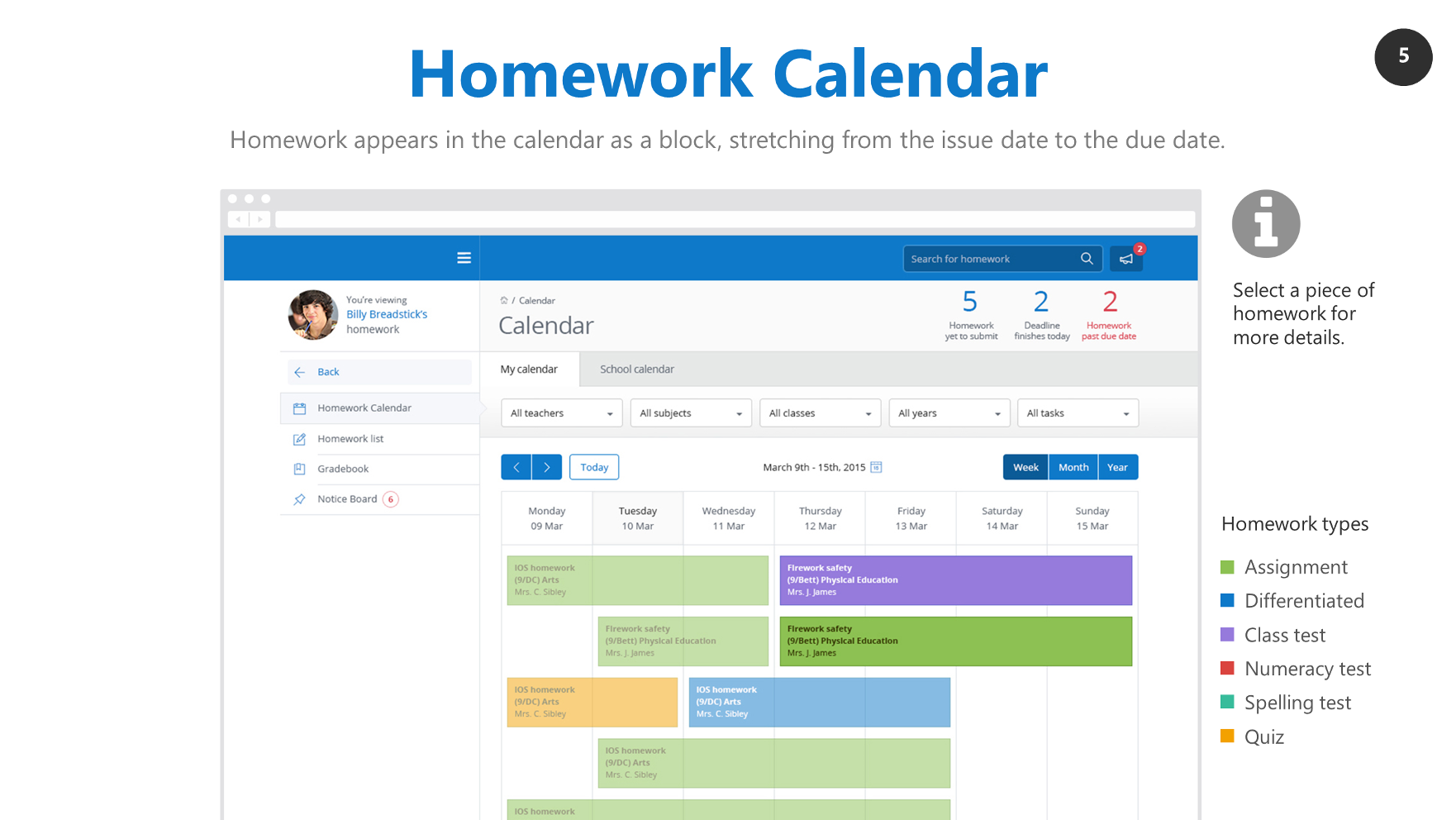
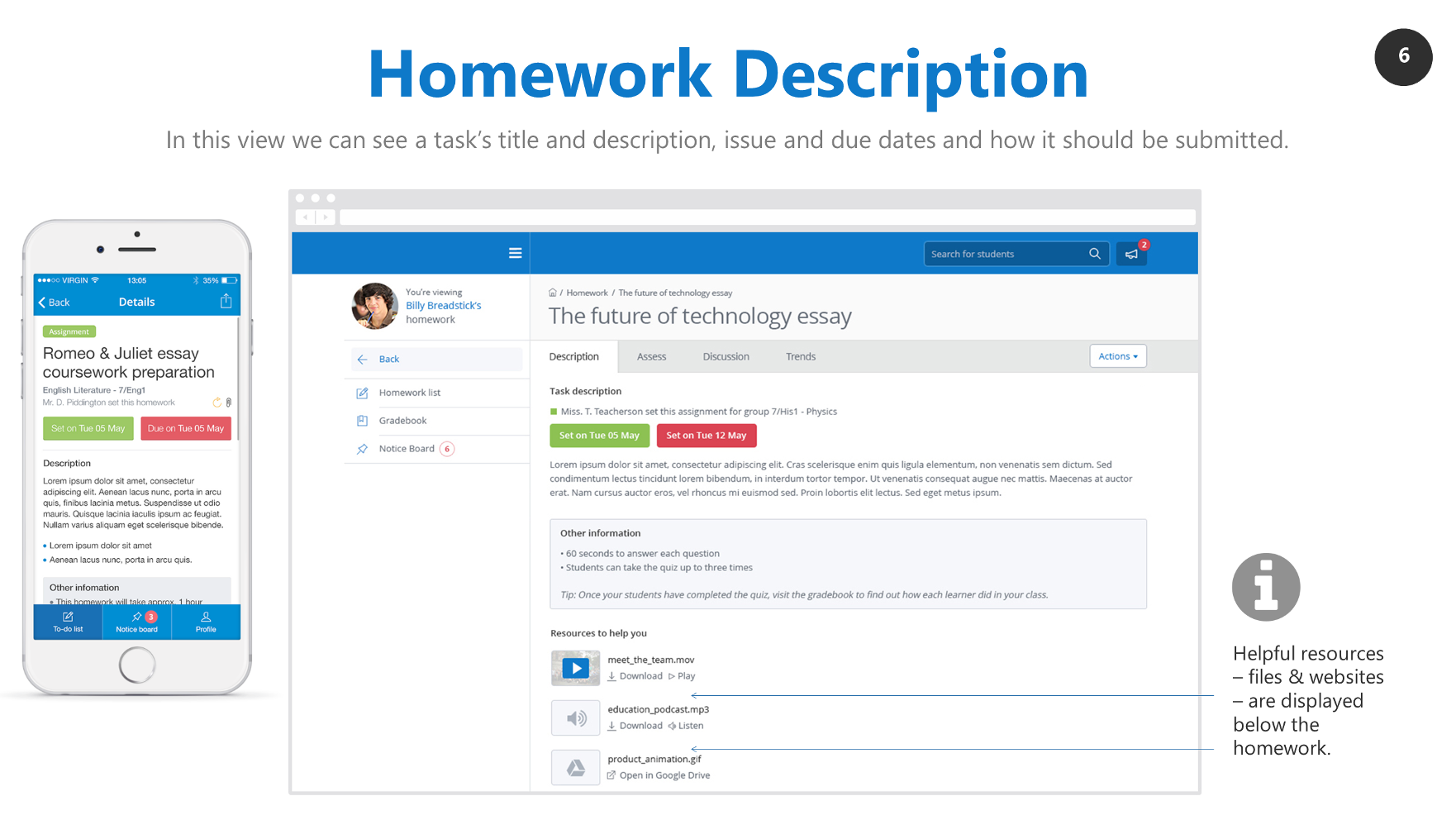
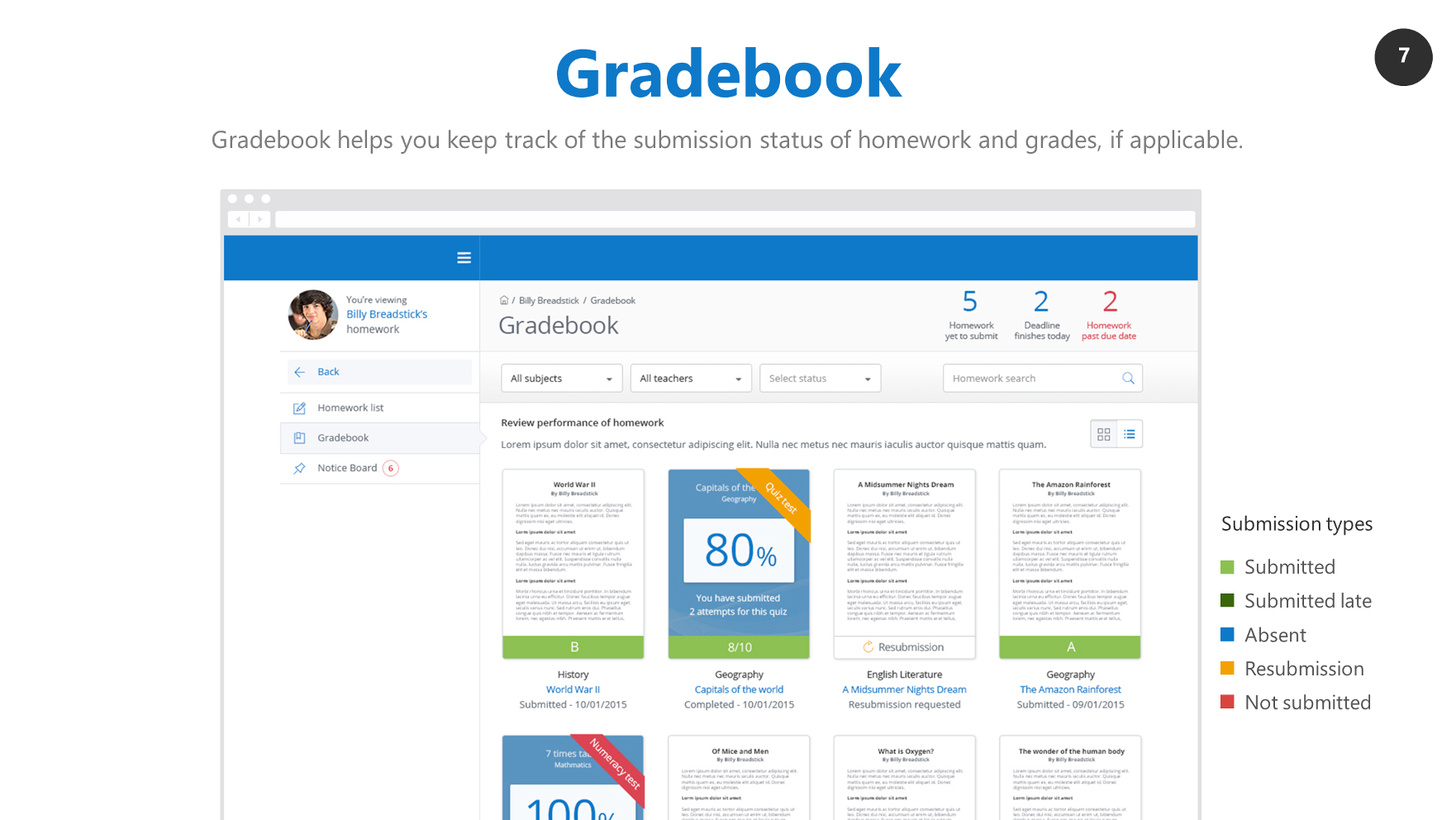
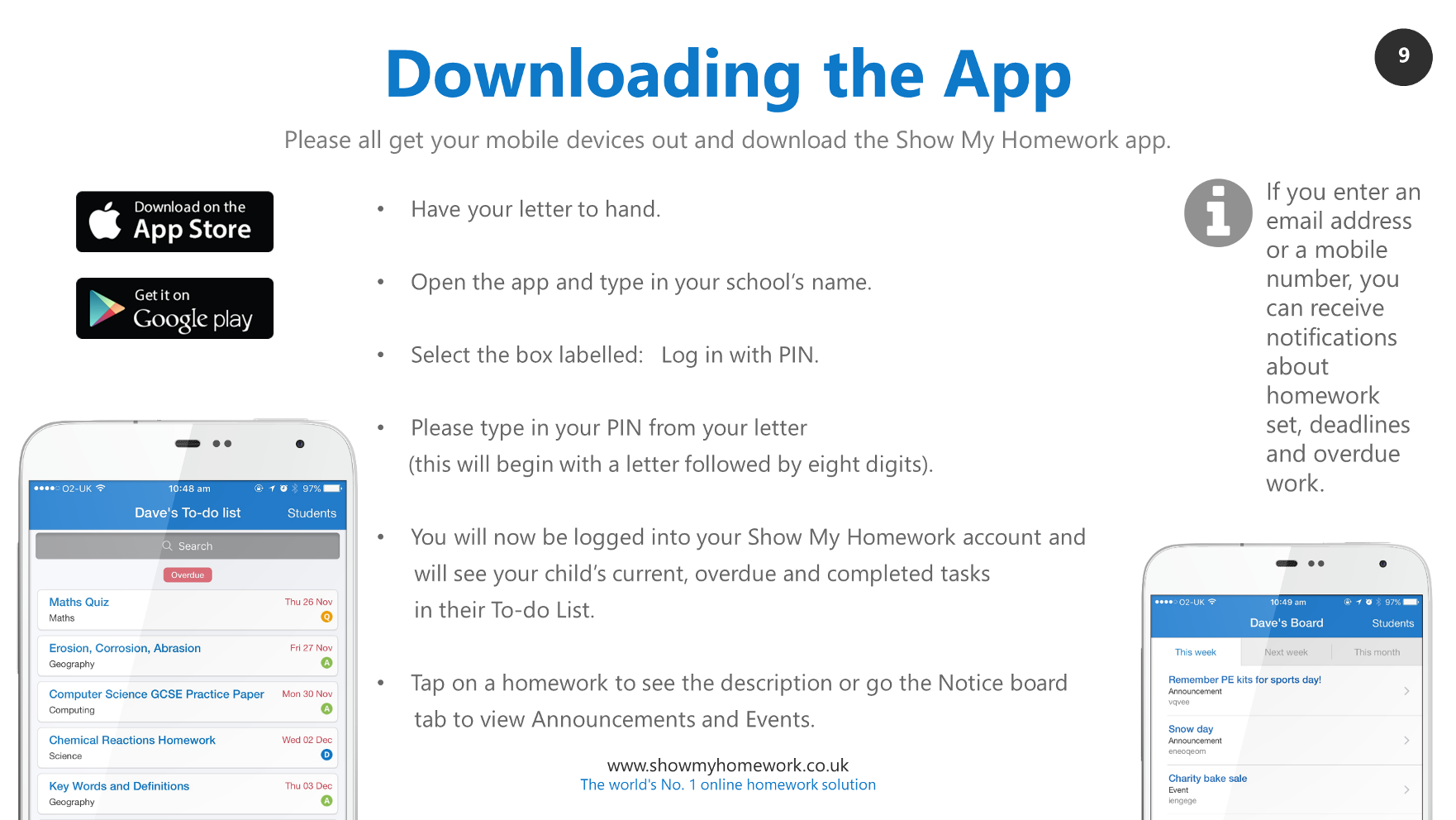
Show My Homework - Information for Parents



|
|
Parents Presentation SMHW | [pdf 1MB] |
|